Monila - Keynote Template for Presentations
Creating a compelling presentation often feels like balancing two competing goals: making it look professional and keeping the process simple. For many professionals, educators, and entrepreneurs, the time spent wrestling with design software can easily overshadow the actual work of refining their message. This is where the Monila - Keynote Template steps in as a practical solution. It is designed to bridge the gap between high-end design aesthetics and user-friendly editing, allowing you to focus on your content while the template handles the visual heavy lifting.
At its core, Monila is more than just a collection of slides; it is a comprehensive toolkit for anyone who needs to present ideas clearly and confidently. Whether you are pitching a startup idea to investors, teaching a complex topic to students, or summarizing quarterly results for your team, this template provides a structured yet flexible foundation. The ability to input your own content, replace placeholder images, and adjust color schemes means you are not stuck with a rigid design that doesn't fit your brand or personality.
Why Design Matters in Your Next Presentation
In today's digital-first environment, the quality of your visuals often speaks before you even say a word. A cluttered or outdated slide deck can distract your audience and dilute your key messages. Conversely, a clean, modern layout helps guide the viewer's eye and reinforces the credibility of your information. The Monila - Keynote Template addresses this need by offering a widescreen format optimized for modern displays, ensuring your content looks sharp on everything from large conference screens to personal laptops.
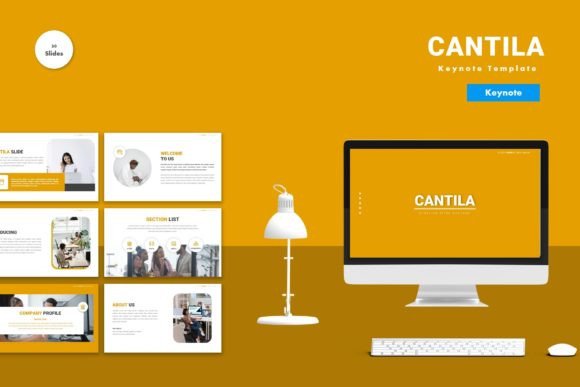
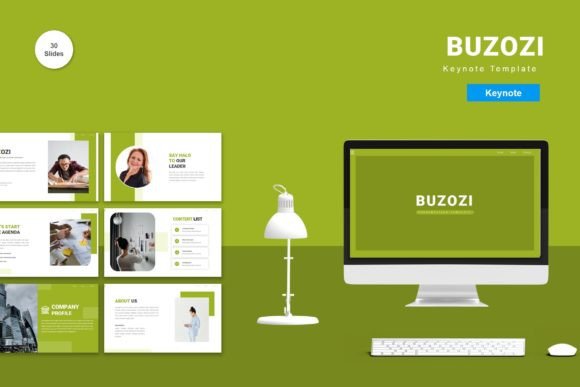
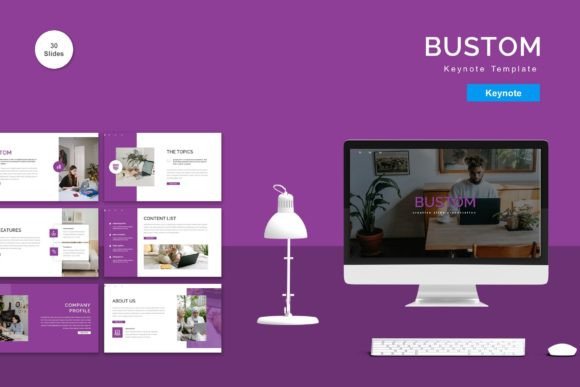
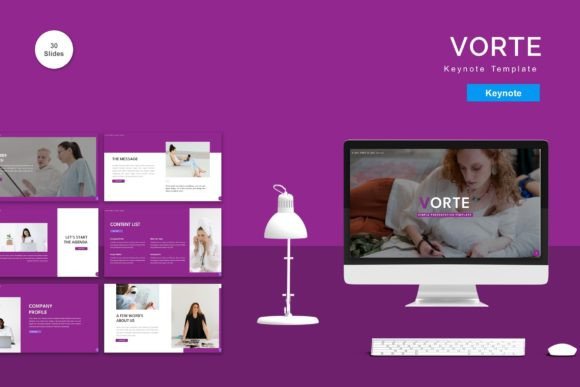
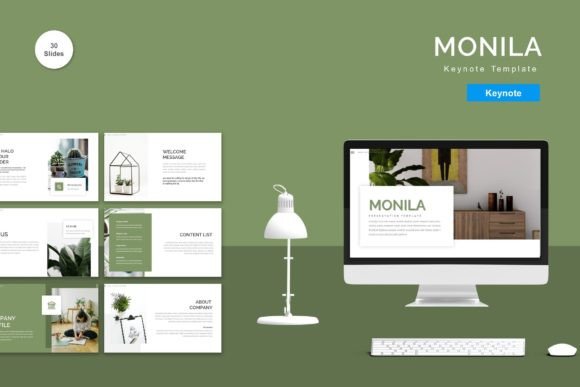
The template includes 150 total slides, which might sound overwhelming at first glance, but it is actually a strategic advantage. Within this extensive library, there are 30 specifically curated "useful" slides designed for common presentation scenarios. These include layouts for data visualization, team introductions, timelines, and comparison charts. Instead of starting from a blank canvas and wondering how to arrange text and graphics, you have pre-designed structures that follow best practices in visual hierarchy and readability.
Customization Made Simple for Everyone
One of the most significant barriers to using premium templates is the fear that they are too difficult to edit. Monila removes this friction entirely. Every element within the template is fully editable. If you need to change a font size, move a graphic, or swap out a stock photo for your own company logo, you can do so with ease. The template utilizes vector-based master slides, which ensures that your graphics remain crisp and clear no matter how much you resize them.
Color consistency is another crucial aspect of branding that Monila simplifies. The package comes with 5 premade colors, giving you immediate options to match different moods or brand guidelines. Perhaps you need a bold red for a sales pitch, a calming blue for a corporate report, or a neutral palette for an academic lecture. With just a few clicks, you can apply these themes across all slides, maintaining a cohesive look throughout your entire deck without needing advanced design skills.
How to Get Started Quickly
Getting up and running with the Monila - Keynote Template is straightforward. The package includes five separate Keynote files, each corresponding to one of the premade color schemes. You simply download the file, open it in Apple Keynote, and begin replacing the placeholder text and images. The "Just Drag and Drop" functionality allows you to insert your own photos effortlessly, fitting them perfectly into the designated frames.
For those who prefer reading instructions before diving in, a detailed Readme file is included. This document guides you through the setup process, explains how to access the master slides, and offers tips on using the recommended free web fonts. These fonts are chosen not only for their aesthetic appeal but also for their readability on screens, ensuring your audience can easily consume your information.
Real-World Applications Across Industries
The versatility of Monila makes it suitable for a wide range of users, from beginners to seasoned professionals. Let's look at how different groups can leverage this tool:
- Entrepreneurs and Startups: When seeking funding, every second counts. Investors want to see a clear vision and solid data. Monila's animated slides can help bring your business model to life, highlighting growth projections and market analysis in a dynamic way that static text cannot achieve.
- Educators and Trainers: Teachers often struggle to keep students engaged. The inclusion of animated transitions in the Monila template adds a layer of interactivity that can break the monotony of a lecture. You can use the timeline slides to map out historical events or the comparison layouts to explain complex concepts.
- Freelancers and Creatives: Portfolios need to showcase work effectively. Freelancers can use the image-heavy layouts to display case studies, client testimonials, and project outcomes. The clean design ensures that the focus remains on the creative work rather than the slide background.
- Small Business Owners: Internal meetings and client proposals require a professional touch. Using a consistent, high-quality template like Monila elevates the perceived value of your business, signaling attention to detail and professionalism.
Key Features That Drive Value
What truly sets the Monila - Keynote Template apart is the combination of quantity and quality. While having 150 slides provides variety, the real value lies in the thoughtful organization of these assets. The master slide system allows for global changes; if you decide to update your logo placement or footer text, you can do it once in the master view, and it updates across the entire presentation instantly.
The animation features are particularly noteworthy. Rather than distracting gimmicks, the animations in Monila are designed to reveal information progressively. This helps control the flow of your narrative, preventing the audience from reading ahead and missing your spoken points. Whether you are revealing bullet points one by one or transitioning between sections smoothly, the built-in effects enhance the storytelling experience.
Important Considerations Before You Begin
While Monila is highly versatile, there are a few things to keep in mind to get the best results. First, ensure you have the latest version of Apple Keynote installed, as some advanced features may rely on newer software capabilities. Second, remember that the preview images shown in marketing materials are not included in the final download; you will need to provide your own imagery to complete the look.
Additionally, while the template supports widescreen formats, always test your presentation on the device you plan to use for the actual delivery. Different screens have varying aspect ratios, and while Monila is optimized for standard widescreen displays, a quick check prevents awkward cropping or black bars during your live presentation.
Finally, take advantage of the "Readme First" advice. Spending five minutes understanding the structure of the master slides can save you hours of frustration later. Knowing how to unlock and modify specific elements ensures you get the full benefit of the customizable nature of the template.
Ready to Elevate Your Presentations?
If you are tired of spending hours designing slides from scratch or settling for generic, boring templates, it is time to consider a tool that respects both your time and your audience's attention. The Monila - Keynote Template offers a perfect balance of professional design and user-friendly flexibility. By providing a robust set of tools including 150 slides, multiple color options, and easy-to-edit vectors, it empowers you to create presentations that truly resonate.
Whether you are preparing for a major business launch, a classroom lesson, or a personal project, having the right visual foundation can make all the difference. Don't let poor design hold back your great ideas. Explore the possibilities of Monila and transform the way you communicate your story. With its intuitive interface and powerful features, you can start creating impactful presentations immediately.